 Curator
12 November, 2026
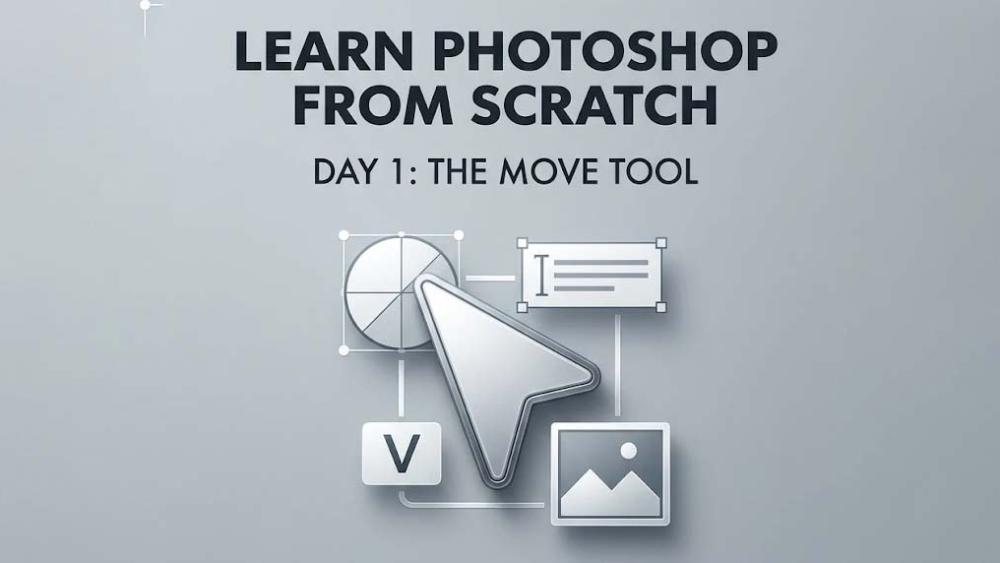
Learn Photoshop from Scratch: Day 1 - The Move Tool
For anyone learning Photoshop as a beginner, the very first essential tool you must master is the Move Tool. Most cluttered layouts, misaligned elements, and inefficient workflows happen simply because creators overlook its core mechanics. Mastering this single tool gives you full control over basic composition, layout structuring, and high-efficiency asset duplication.
1.Core Functions of the Move Tool
The Move Tool is Photoshop's universal foundation. Its primary functions include repositioning layers, refining compositions, duplicating assets on the fly, and aligning design elements. Whether you work with photos, solid color blocks, live type, icons, or design stickers, every layer can be adjusted freely using this single tool. It is, without question, the most frequently used tool in daily production.
2.Three Essential Techniques Every Beginner Needs to Know
1)Freeform Movement: Select the Move Tool and click-drag any canvas element to reposition it anywhere, instantly adapting to your specific layout needs.
2)Constrained Axis Snapping: Hold Shift while dragging. This locks your movement strictly to horizontal or vertical axes, preventing accidental shifts or sloppy placement, and giving your designs an instantly clean, disciplined structure.
3)Instant Duplication: Hold Alt while dragging an element (Option on Mac). This duplicates the layer in place without manually copying and pasting, making it incredibly fast to generate repeated patterns, frames, and icon sets in bulk.
3.Practical Everyday Use Cases
Adjusting layouts, aligning type with visuals, and organizing canvas structure; rapidly duplicating decorative assets and repeated vector graphics; making micro-adjustments to layer positions to fix composition flaws, ensuring the final design remains clean, polished, and visually coherent.
4.Important Rules for Beginners
The Move Tool only affects the currently selected layer. It will not alter or accidentally disrupt layers that are not active. You never have to worry about unintended edits ruining your artwork, making it the most forgiving and beginner-friendly tool to build muscle memory with.
If you are ready to learn graphic design from square one: let go of the fear of having zero experience. If you are looking to break into design or transition your career, bookmark this site and follow along for our daily breakdowns. Let me help you turn abstract concepts into dependable design capabilities that match actual industry demand.
Popular