 Curator
10 October, 2026
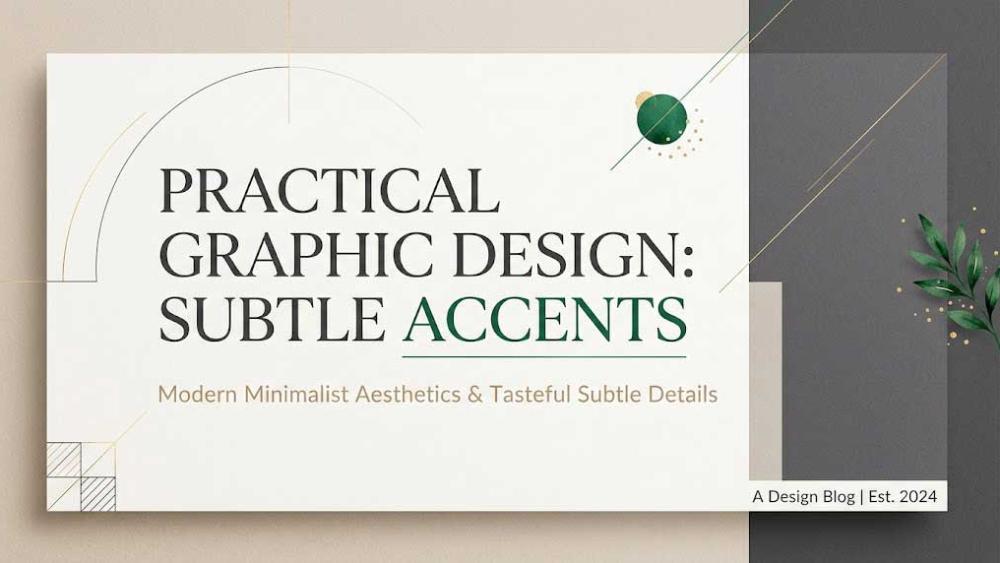
Practical Graphic Design: Subtle Accents
When learning graphic design on your own, mastering the software tools is the easy part. What truly separates amateur work from high-end design is the ability to use subtle, thoughtful details. Many beginner designs feel cheap not because the fundamental layout is broken, but because the creator lacks the art of restraint. The design usually ends up either stark and lifeless or overloaded and chaotic.
Here are four low-effort, high-impact design detailing tips every self-taught designer must know to instantly build a polished, high-end aesthetic:
1.Negative Space as an Accent: Less Is More
Never crowd the frame. Maintain consistent negative space around your focal subject to reduce visual tension. Negative space is not wasted space; it is the ultimate design accent that immediately cleans up your composition.
2.Typographic Hierarchy: Clear Visual Priority
Avoid uniform type size and weight. Make your headline bold and prominent, keep body copy light and readable, and scale secondary caption text down with a muted gray tone. Using clear typographic hierarchy introduces breathing room across the layout.
3.Color Accent: Targeted Visual Punch
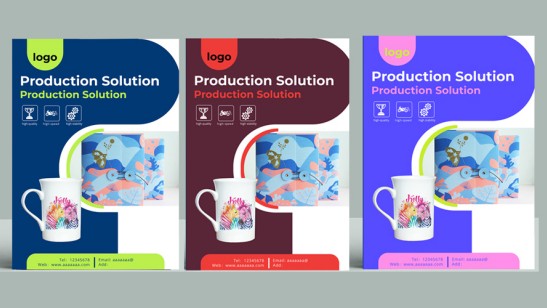
Keep your core color palette muted and cohesive. Introduce a single, vibrant accent color solely on key call-to-action buttons, priority keywords, or subtle decorative markers. This avoids visual noise while guiding the viewer's eye exactly where you want it.
4.Decorative Elements: Restraint Over Clutter
Use subtle divider lines, soft drop shadows, rounded corners, or micro-textures sparingly. Resist the urge to plaster graphics across every blank area. Unnecessary decor only dilutes overall quality, while deliberate touches make all the difference.
Endless revisions and creative burnout usually stem from not understanding the logic behind visual details, which leads to blind tweaking.
Exceptional design does not come from endless second-guessing. It comes from intentional, disciplined details. Anchor your workflow to this minimalist framework, and even a beginner can craft clean, elevated, and timeless visuals.
Remember: Details are meant to elevate your work, not trap you in creative burnout.
Popular