 Curator
9 October, 2026
Practical Graphic Design: Most Used Canvas Sizes Guide
This guide gathers the most essential, high-frequency dimensions for real-world projects. By mastering these Practical Graphic Design standards and setting up standard graphic design canvas sizes correctly, you can start new projects with ready-to-use presets.
Core Settings to Note First (Keep these 2 rules in mind to avoid 90% of beginner errors):
✅ Screen and Web: RGB Color Mode, 72 PPI (or 144 PPI for high-resolution displays)
✅ Print and Physical Collateral: CMYK Color Mode, 300 PPI, with 0.125 in Bleed
1.Common Social Media Formats (minimalist social media graphic design)
Instagram
1080×1080 px (1:1) | 72 PPI Square Post (Most Common)
1080×1920 px (9:16) | 72 PPI Full-Screen Stories / Reels
Facebook
1200×630 px (1.91:1) | 72 PPI Feed Image / Shared Link Thumbnail
820×312 px | 72 PPI Desktop Cover Photo
YouTube
1280×720 px (16:9) | 72 PPI Video Thumbnail (Under 2MB file size)
Pinterest
1000×1500 px (2:3) | 72 PPI Standard Pin
TikTok
1080×1920 px (9:16) | 72 PPI Video / Cover
X (Twitter)
1200×675 px (16:9) | 72 PPI In-Stream Photo
2.Common Print Formats (essential print dimensions in Photoshop)
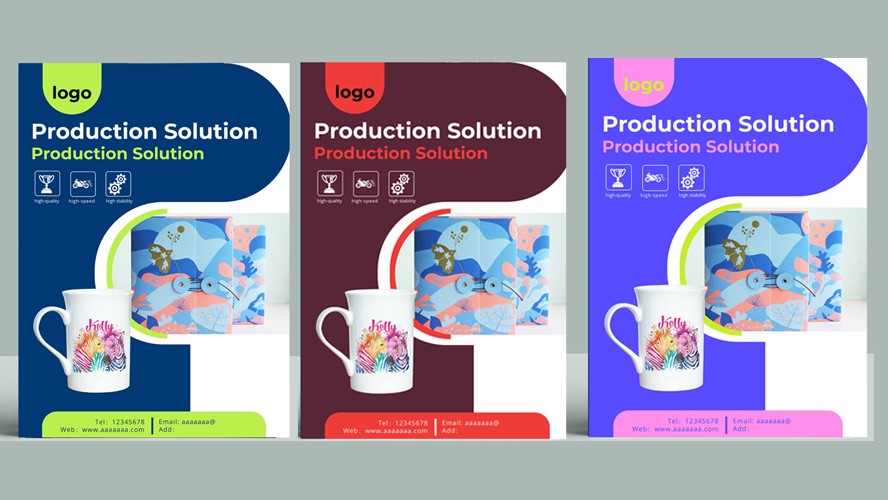
US Letter (Standard Flyer and Single-Page Poster)
8.5×11 in (approx. 2550×3300 px) | 300 PPI Primary choice for flyers and handouts
Standard Business Card
3.5×2 in (3.75×2.25 in with bleed) | 300 PPI Business Standard
Marketing Postcard
4×6 in | 300 PPI Package Inserts and Standard Postcards
5×7 in | 300 PPI Oversized Promo Cards and Invitations
Standard Event Poster
18×24 in | 300 PPI Medium Event Poster (Common for indoor signage and exhibitions)
Popular